
From your material to a game your class plays
The full picture - how Escaply builds an adventure from your content, how students play it, and what you see while they do.
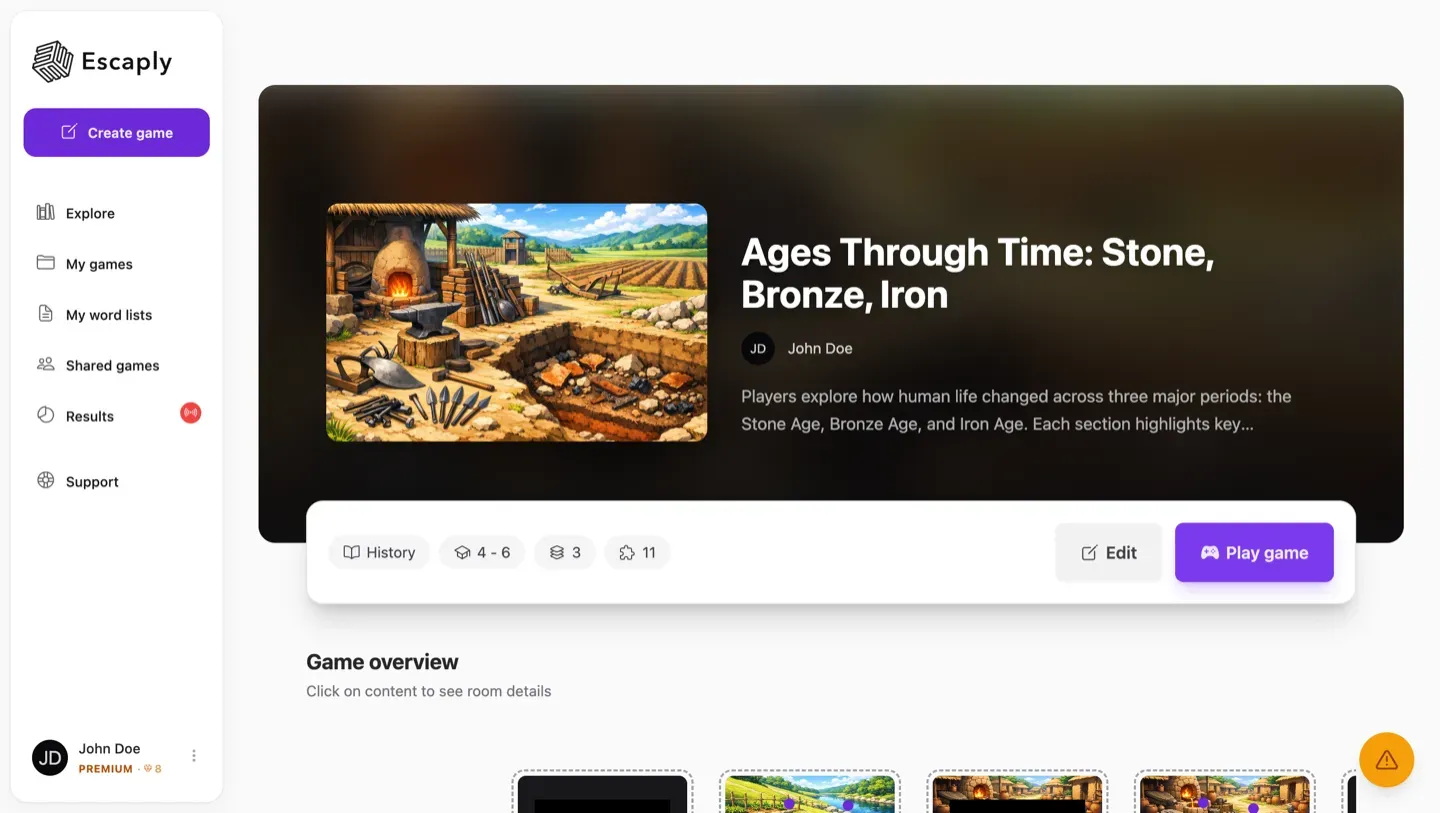
Built from your material
Describe a topic or drop in a chapter, PDF, webpage or YouTube link. Escaply’s AI grounds the adventure in your content and aligns it to your curriculum - then hands you an editable first draft in minutes, not generic content.
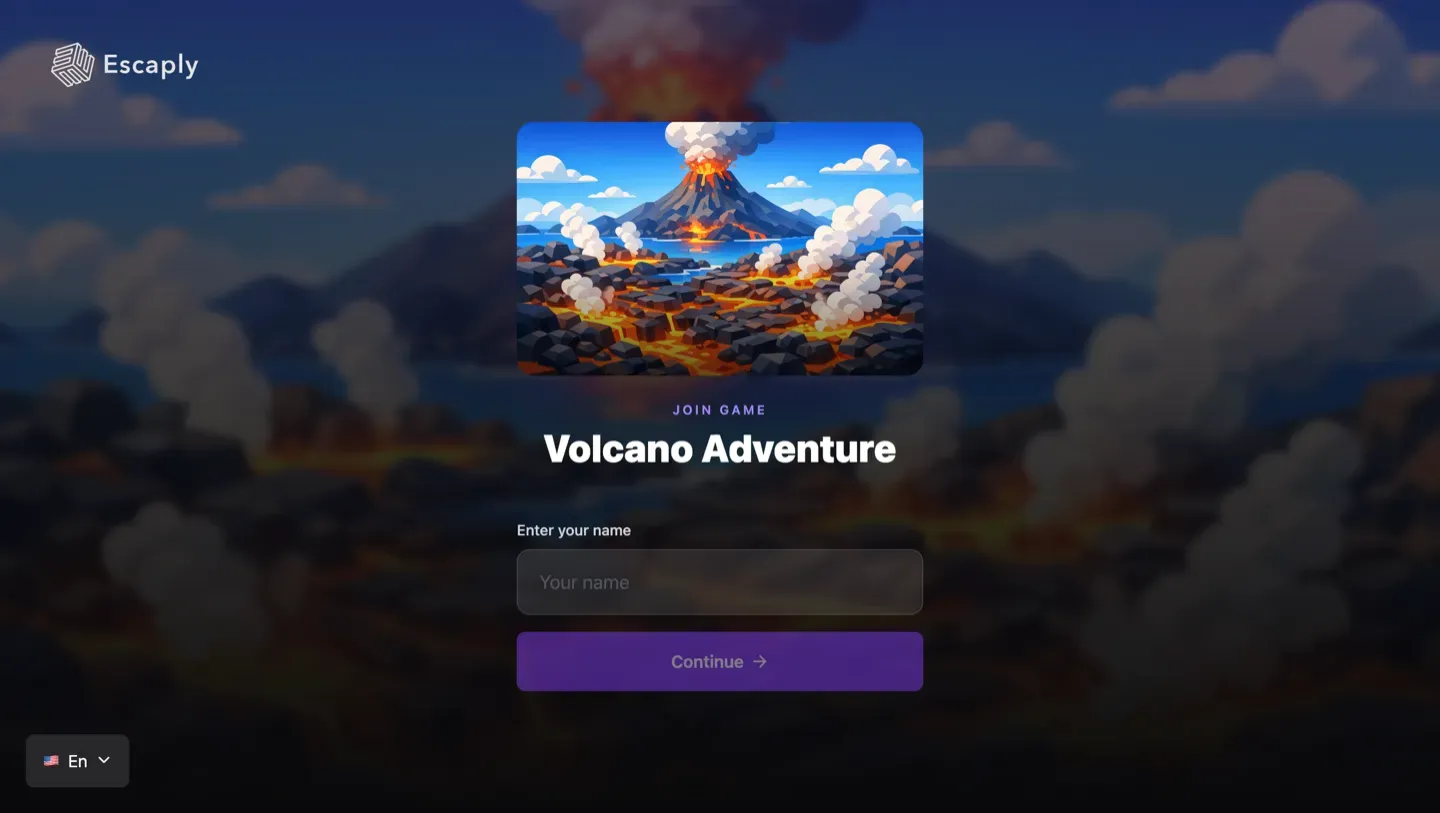
Live together, or at their own pace
Run it live - the whole class at once on a shared timer and leaderboard - or set it as remote work students do individually. Same game, two different feels, and it plays on any device with just a code.
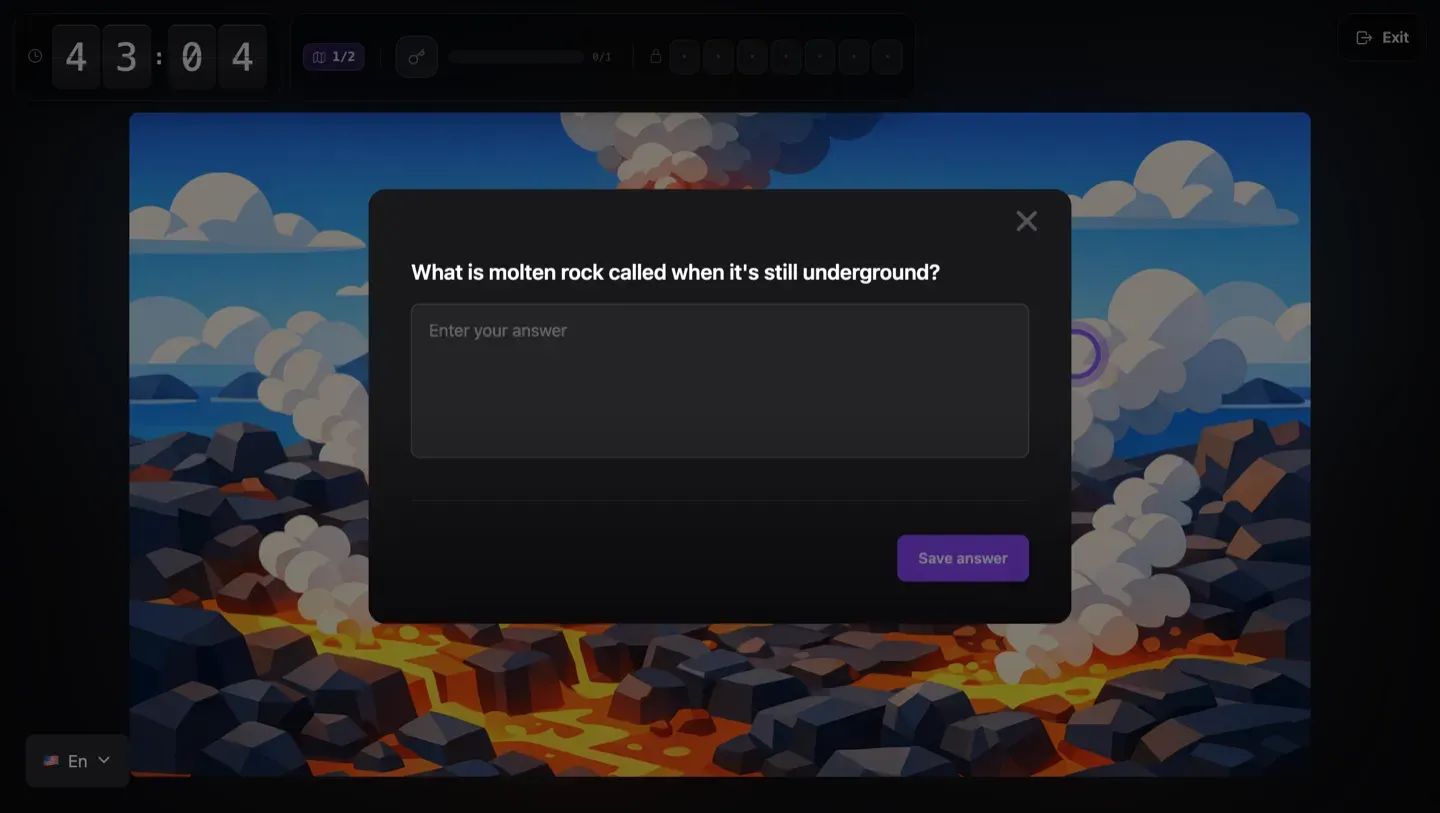
Forward by understanding, not guessing
Each challenge gates the next room. Students step into a story and move on only by actually grasping the material - so there’s no skimming or guessing a way to the end.
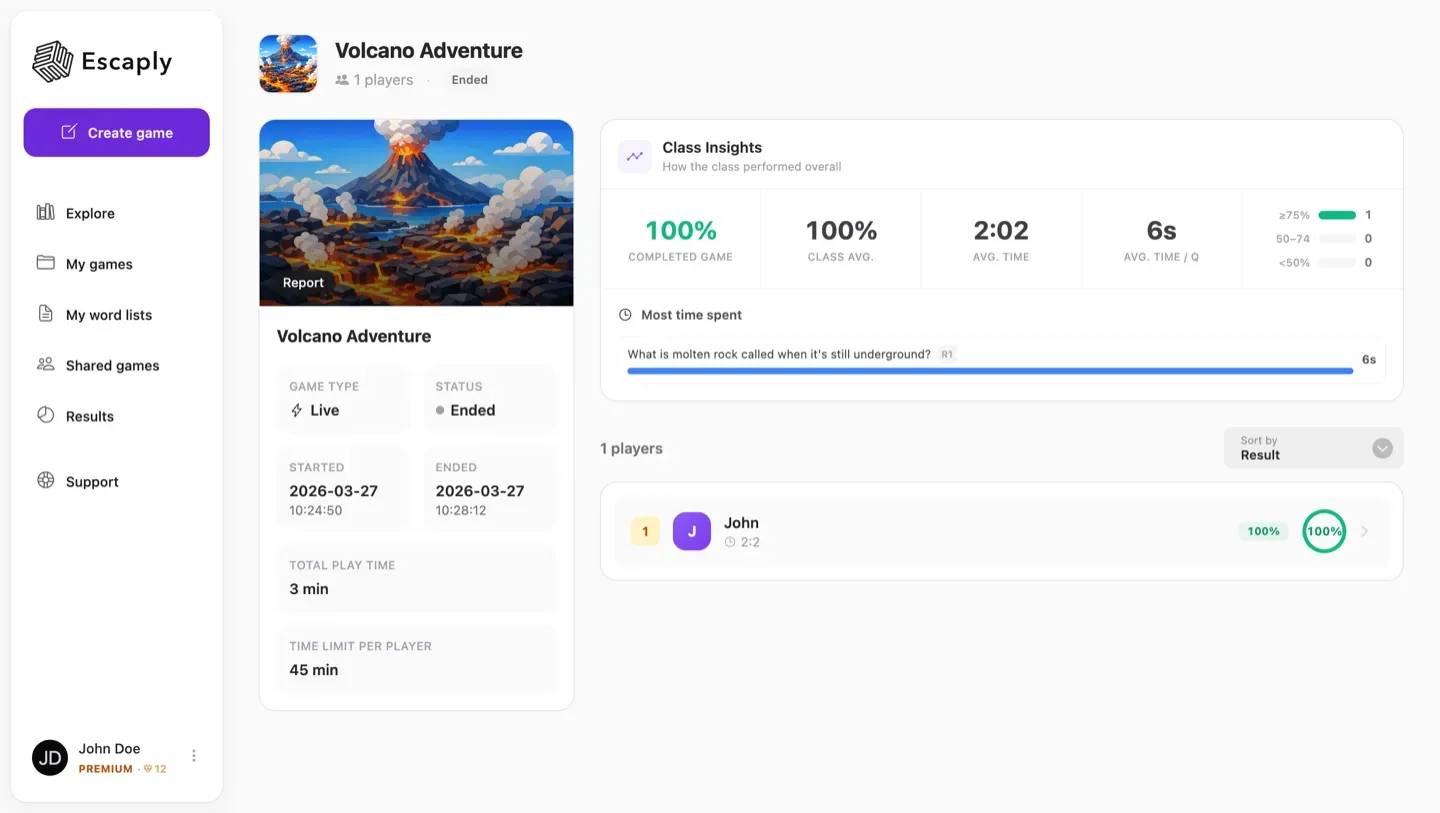
See exactly who understands
While the class plays, you see in real time who’s flying and who’s stuck - and on which concept. You walk into the next lesson already knowing what to reteach, with per-question and per-student detail on premium.
Everything in the toolkit
The details that make it feel like a game - and keep it grounded in real learning.
A complete draft from your own material in minutes.
Multiple choice, fill-in-the-blank, drag-and-drop and more.
Optional nudges so students stay in flow, not stuck.
You decide what it takes to unlock the next room.
Add pressure with the clock - or switch it off entirely.
Bring in your own images, audio and files.
Automatically aligned to Lgr22 / Gy25.
Optional AI room art, from claymation to cinematic.
Understanding by concept and by student.
Common questions
Isn’t this just a quiz tool?
A quiz is usually a set of separate questions. Escaply adds story, progression and context - so each answer moves the learning experience forward, and the next step builds on understanding the last one. The story gives students a reason to care; the structure helps them actually learn.
There’s a leaderboard and a timer - isn’t that just about speed?
The timer and leaderboard create energy and draw students in - that’s the hook. But progress depends on understanding, not speed: you can’t reach the next room without grasping the last one. And if you’d rather skip the pressure, Remote mode lets students play calmly at their own pace.
How long does it take to create one?
In just a few minutes you get a first draft with AI. Shaping it to your class takes a little longer. You can also use a ready-made adventure and start immediately.
Can I use my own material?
Yes - that’s the point. Upload a chapter, a PDF, a webpage or a YouTube link, and Escaply builds the adventure from your content, not generic knowledge.
Do I need to be technical?
No. If you can paste a text and edit a document, you can build an Escaply adventure.
Does it work for any subject?
Any subject, any year group. Teachers use it from languages and science to practical subjects like woodwork and home economics.
Ready to turn your next lesson into an adventure?
Create your first Escaply adventure for free - or explore the library and see how other teachers use it.